I wanted a model on a website who turns her head to look at your mouse, wherever it goes: up, down, left and right. I made it in a day with Claude Code and Higgsfield, and no design experience. Here's how, step by step: what I asked for, what went wrong and how I fixed it.
Move the mouse round her face and she turns to look at it: over the top, across, underneath. It looks like a 3D model, but it's one 30-second video.
It comes down to three things:
One photo of her, on a blue screen. Made with Soul 2.0 on Higgsfield, then put on blue with GPT Image 2.6, so she can be cut out and put on any colour.
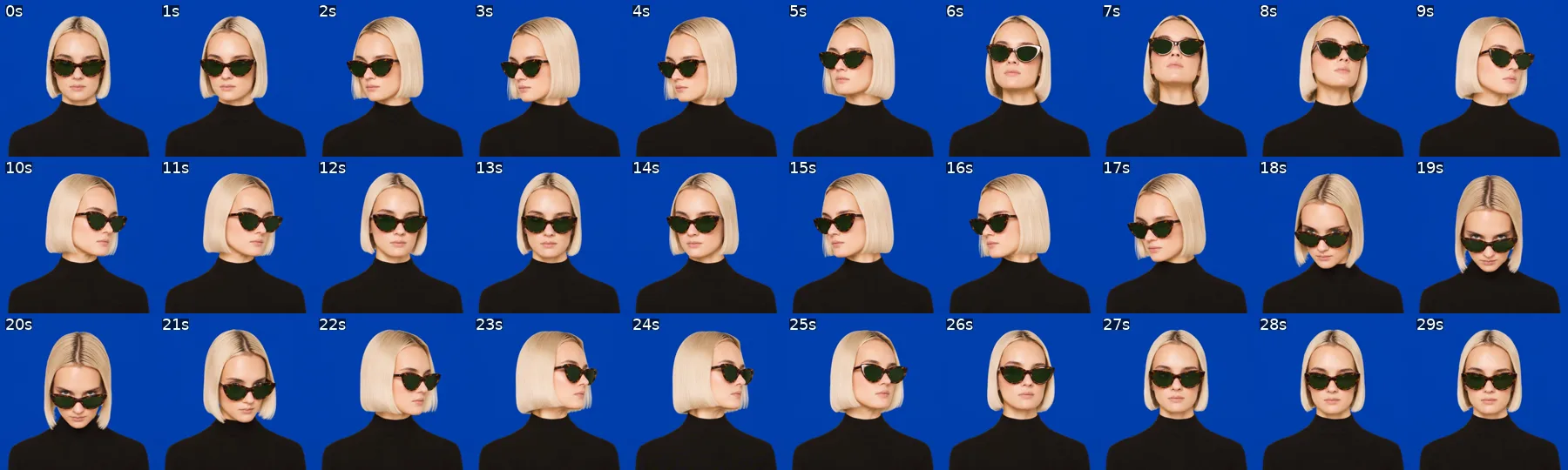
One video of her looking around. 30 seconds, made with Seedance 2.5 on Higgsfield: left, up and over to the right, back across, down and under, and back to you.
The video cut into pictures, laid out on three paths. Over the top, straight across and underneath. The mouse picks the picture nearest to it, and she travels along the path to get there.
Claude Code does the work in between: it writes the prompts, makes the pictures and the video through Higgsfield, cuts her out and builds the page. I talked to it the whole way, and it built what I described.
Lookout is made up, and so are the model, her glasses and every word on the page. They're there to show what's possible.
What you need
Claude Code. Everything happens here.
A Higgsfield account, connected to Claude Code. You'll use Soul 2.0 for the model, GPT Image 2.6 to change her glasses and her background, and Seedance 2.5 for the video. Connect it once, and Claude can use them for you. In a terminal:
claude mcp add --transport http higgsfield https://mcp.higgsfield.ai/mcp
Then type /mcp in Claude Code and log in to Higgsfield. (On claude.ai you can add it as a custom connector with the same address instead.) It saves you a ton of time working out how to find your way round Higgsfield.
That's it. Cutting her out and building the page, Claude does on your laptop.
01
The model
Make her with Soul 2.0
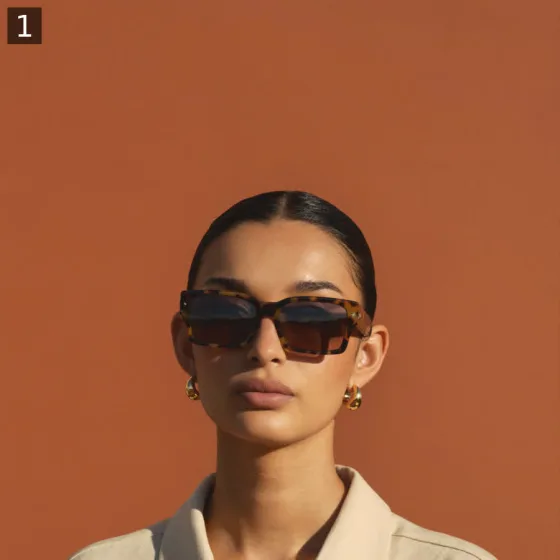
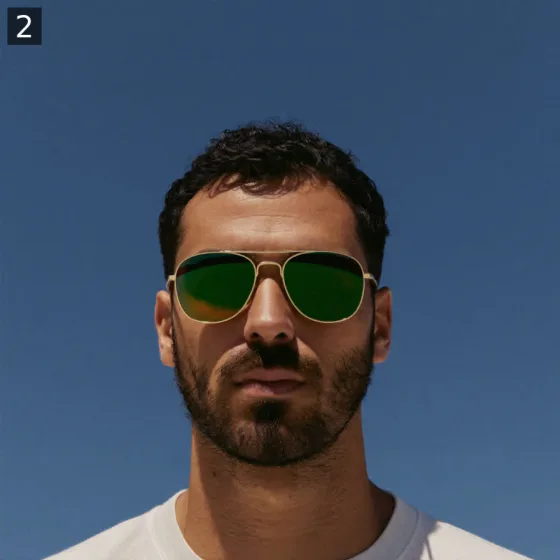
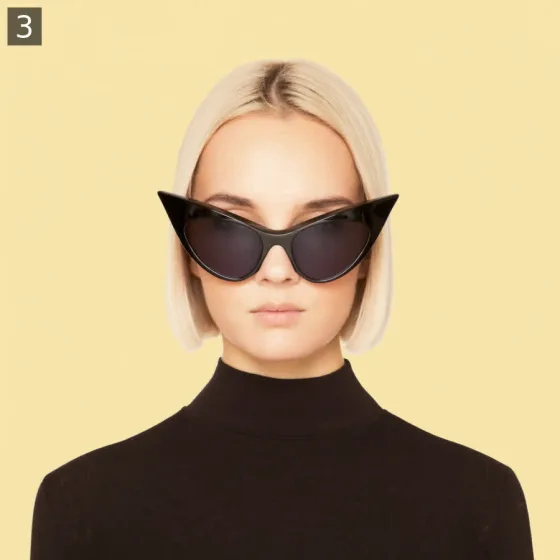
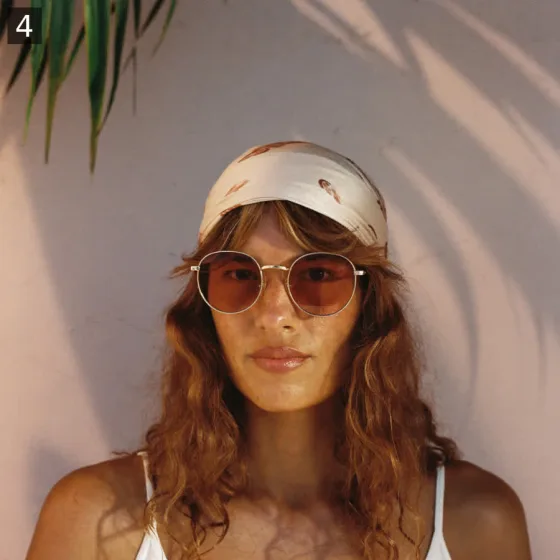
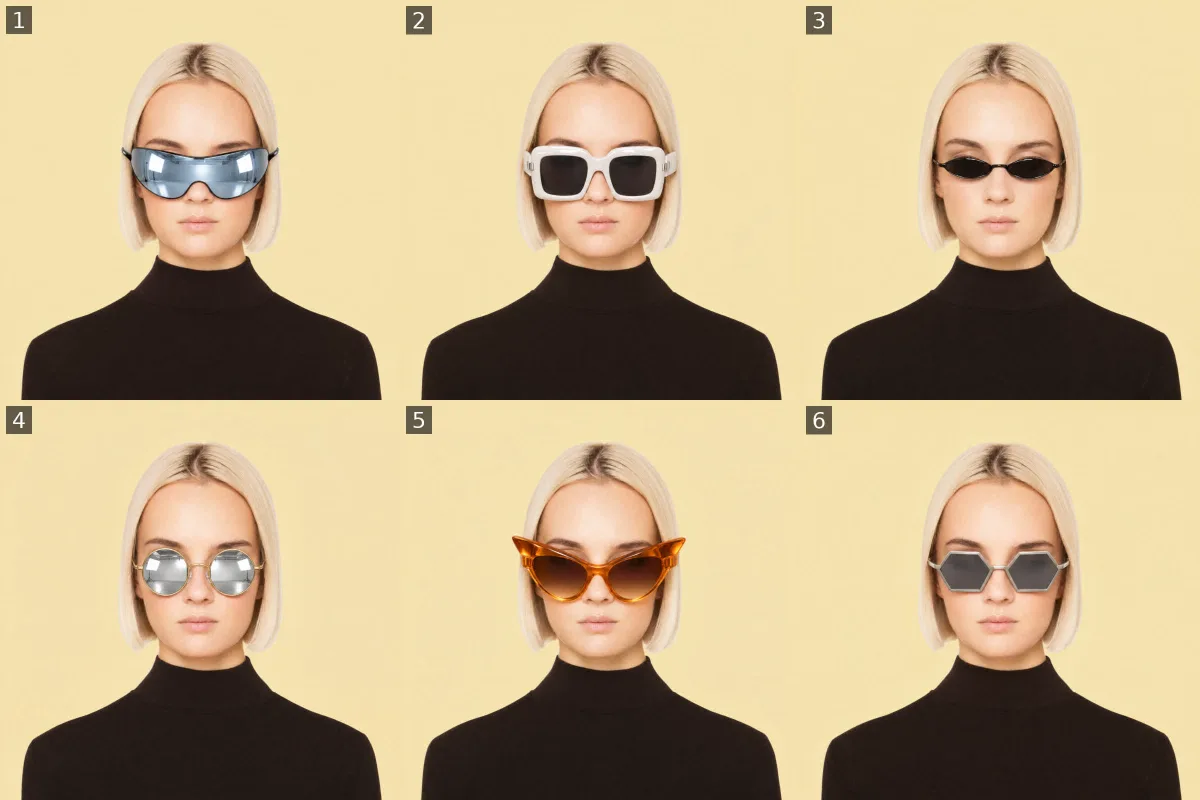
Pick something that turning the head shows off. For a shop selling sunglasses, that's perfect: when she turns, you see the frames from the side. I had Soul 2.0 make four different models in sunglasses, and I picked number three.
Soul 2.0's first four. I liked the model in number three. The glasses, less so.
Number three was a woman with a short platinum bob, black cat-eye sunglasses and a black turtleneck, on pale butter yellow.
Change the glasses, not the model
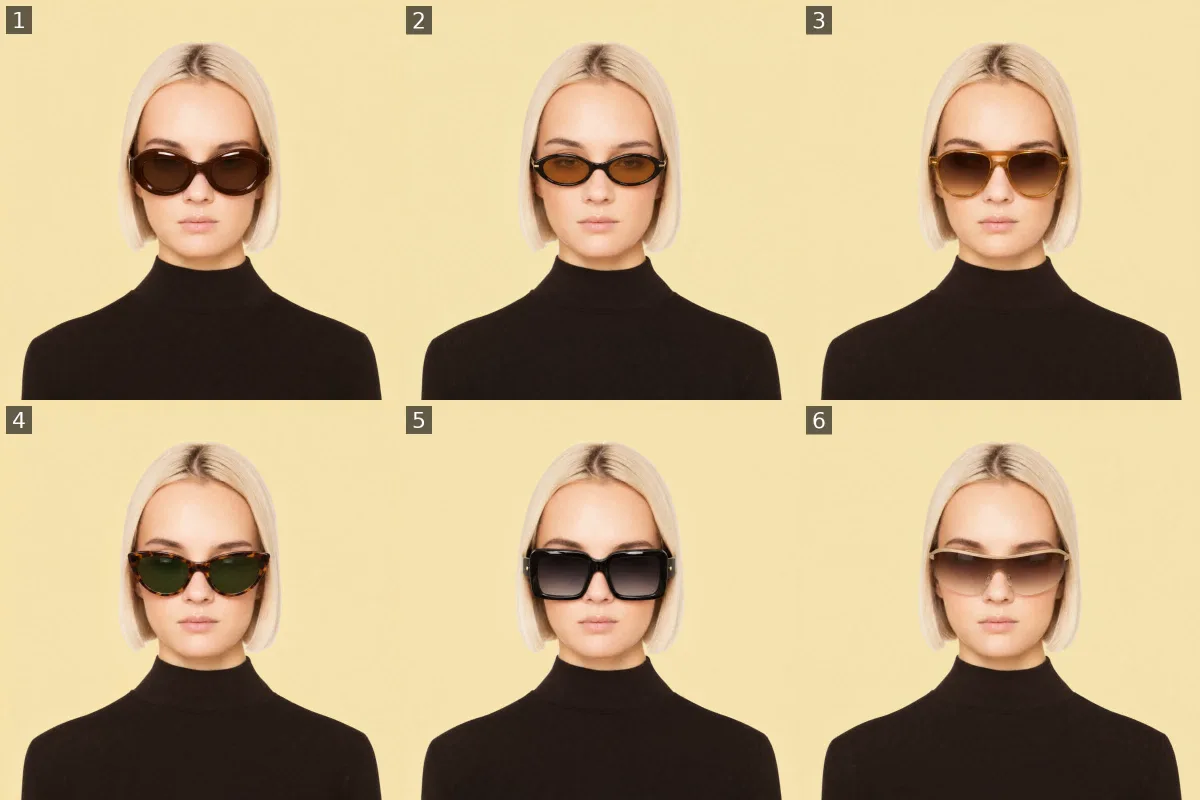
I liked her, but not her glasses. So I kept her exactly as she was and had GPT Image 2.6 swap only the glasses. The first swaps were a bit too crazy, so I had Claude look up this season's shapes and try again. I went with the soft tortoiseshell cat-eye.
I tried six other models as well. I didn't like any of them more, so I stuck with her.
First try: too crazy
This season's shapes
Same face, same pose, only the glasses change. Number four, the tortoiseshell cat-eye with green lenses, is the one.02
The blue screen
Put her on a colour that's easy to cut out
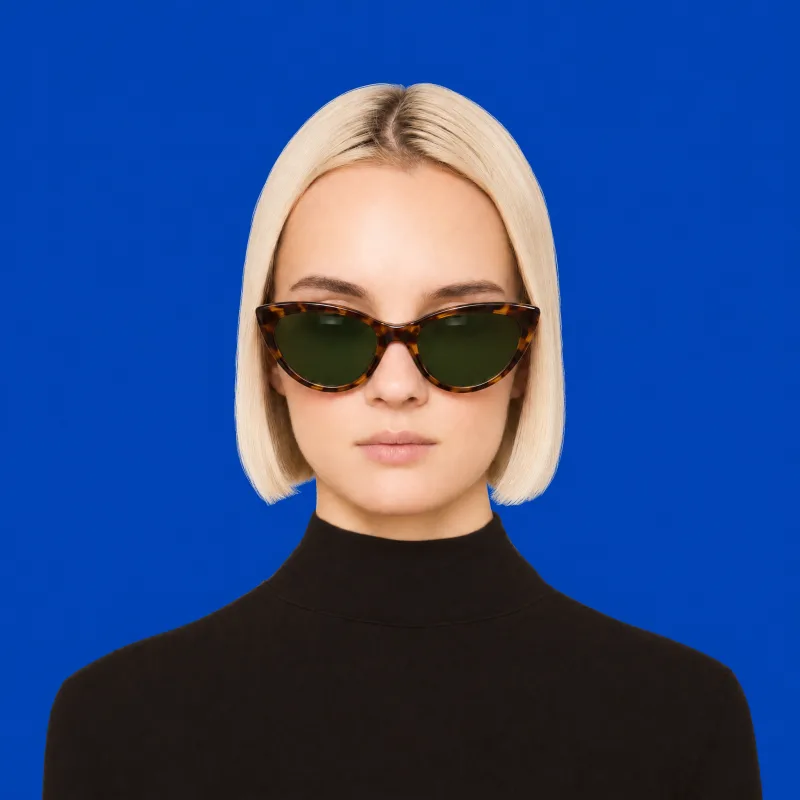
To put her on any background later, she has to be cut out cleanly. A green screen usually works really well. But if your character has green on them, use blue: her lenses are green, and they'd get cut out with the background. So I went with blue.
This one still is where everything after it starts. The video starts from it.
On blue
Cut out, on any colour
One still on flat blue. Cut out, she goes on any colour you like.03
The video
What didn't work
This is where I lost the most time, so here's what to skip.
First I asked for a full circle in one clip. It turned into a neck roll: she ends up showing you the back of her head.
Then I had stills made of her turned to each side, and a separate clip for each. Two clips was a mistake: there's no reason to have two videos for this. The turned stills had tucked her hair behind her ear, so it folded as she turned. And in a clip pinned between two turned stills, her head just changed shape halfway through the turn.
The turned stills. Her hair's tucked behind her ears, and the clips copied it.
A full circle
Pinned to turned stills
From the one still
The full circle became a neck roll. Pinned to two turned stills, her face changes mid-turn. Started from the one front-on still, with nothing pinned, she stays herself.
The fix: give the video only the one front-on still on blue, and nothing else. Let the video do the turning.
One take that does it all
Then I showed it to someone, and they asked: can she look up and down? So I put her whole route in one prompt, with the timings: left, up and over to the right, back across, down and under, and back to you. Seedance 2.5 makes 30 seconds in one go, and she did it all in one smooth take.
The take: 30 seconds, one prompt, from the one still.
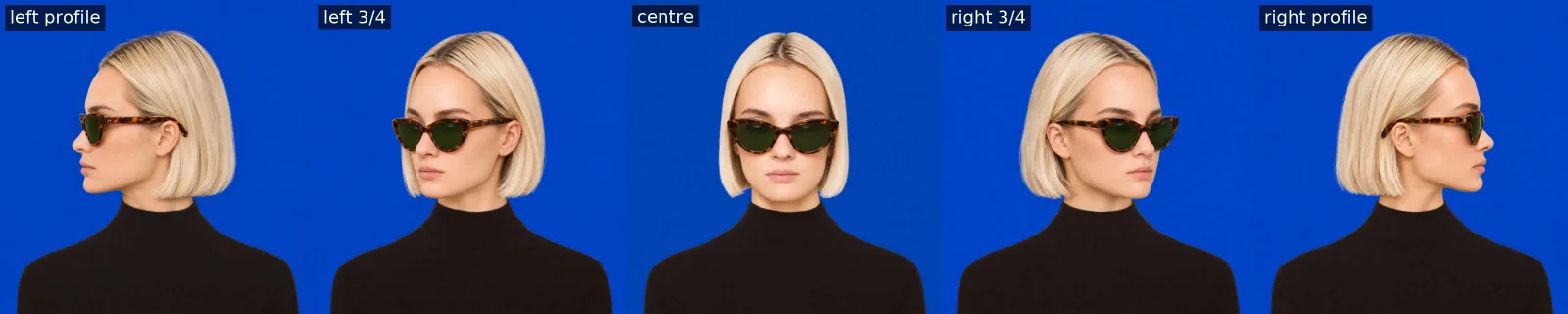
A picture a second: left, over the top, right, back across, under, and back to you.
Longer is smoother
A video is just a lot of pictures in a row. The more pictures there are between her looking left and looking right, the smoother she follows the mouse. So make it long: a 30-second clip gives you 721 of them.
The same turn. Left: every picture of the video. Right: three pictures a second.
Draft first, then finish the same take
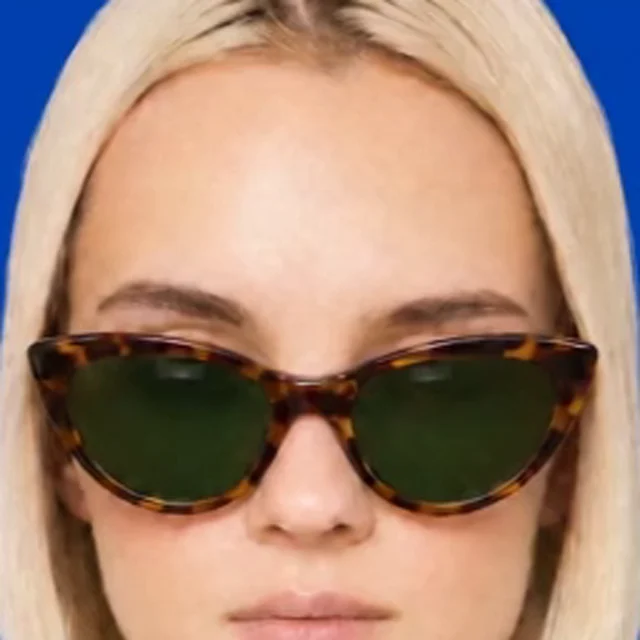
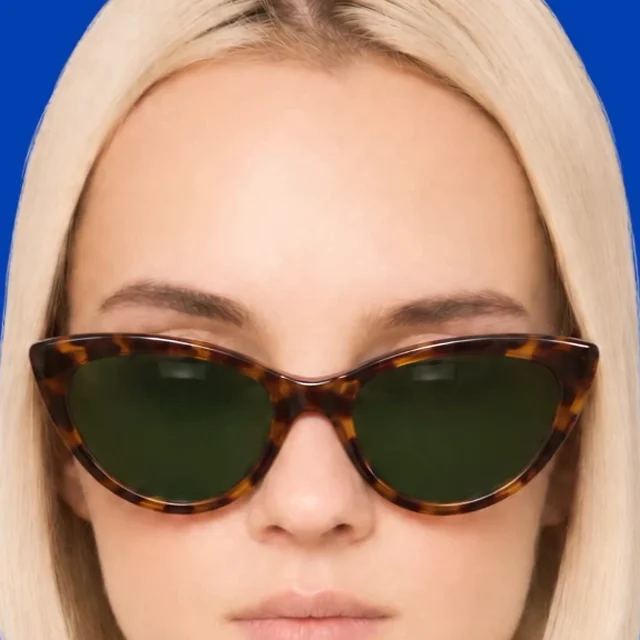
Make it in draft mode, at 480p, so you don't blow your credits while you get the prompt right. When she does it right, finish that same video at 1080p. You get the identical take, only sharper. Don't bother upscaling the draft: it barely sharpens it.
Draft, 480p
Finished, 1080p
The same moment of the same take.04
The page
Cut it up and lay it on three paths
This was my idea: a track, not a grid. A grid would need a picture for every place the mouse could be, and you'd never get enough of them for it to be smooth. So the pictures go on three paths instead: over the top, straight across, and underneath. All three start on the same picture of her looking left and end on the same picture of her looking right, so she can switch paths there without a glitchy jump.
Then the mouse picks the picture closest to it, on any of the three paths, and she moves along the paths to get there, so she never jumps. To look up from the middle, she turns to the nearer side and comes up over the top. Claude measures where her sunglasses point in every picture, so the same move of the mouse turns her the same amount anywhere.
The three paths, and the picture the mouse has picked.
The page uses 121 pictures on each path, 363 in all. On a phone there's no mouse, so you drag across her to turn her left and right.
Look closely at the hair
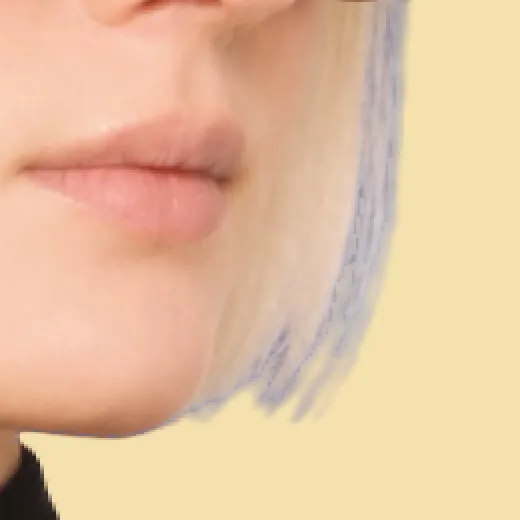
Her hair ends are see-through, so they'd picked up the blue screen. When she turned left and right, her hair looked very blue. Point it out, and Claude warms the edges back to blonde.
Blue at the ends
Fixed
Make the page stunning
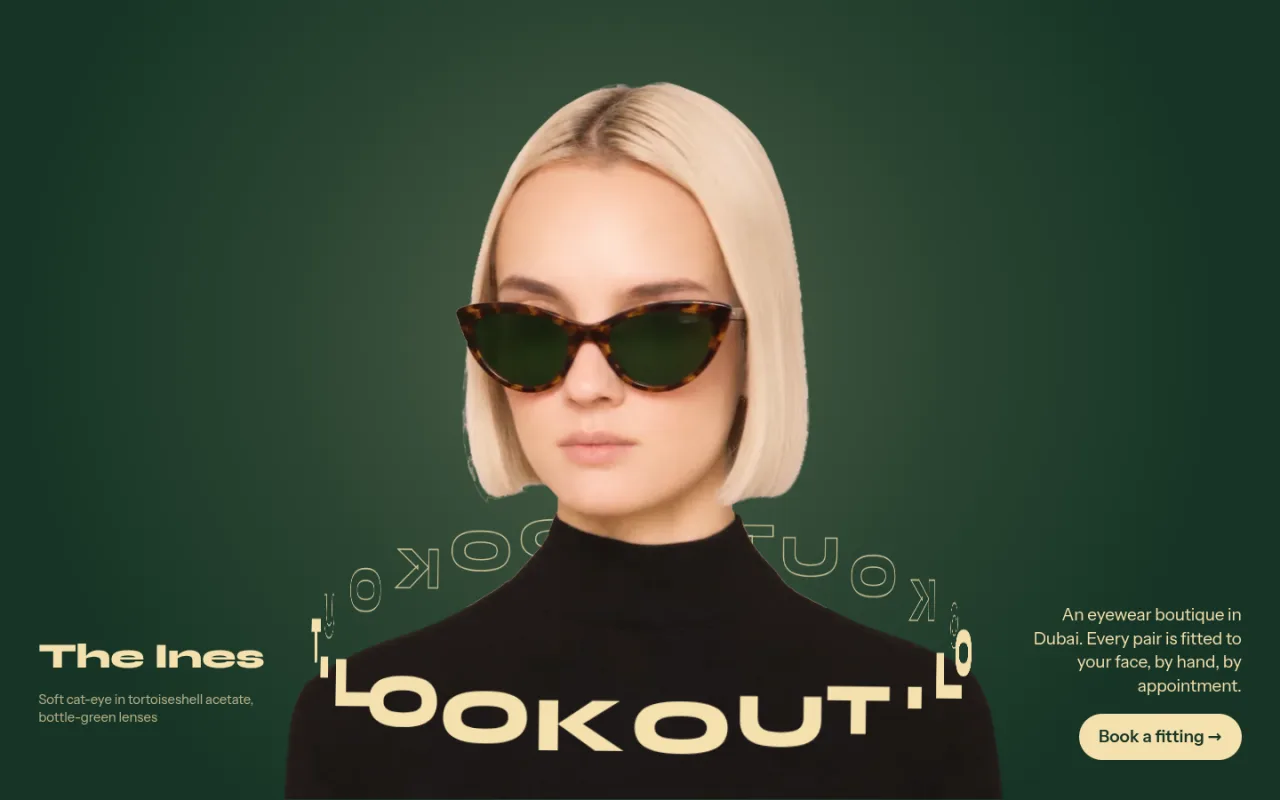
The first page worked, but it was boring: only the animation was nice. So I asked for a makeover of the top. She now stands on the bottle green of her lenses, and a ring of the word LOOKOUT goes round her, behind her neck and across her chest, swinging round as she turns. A soft light on the green leans the way she looks.
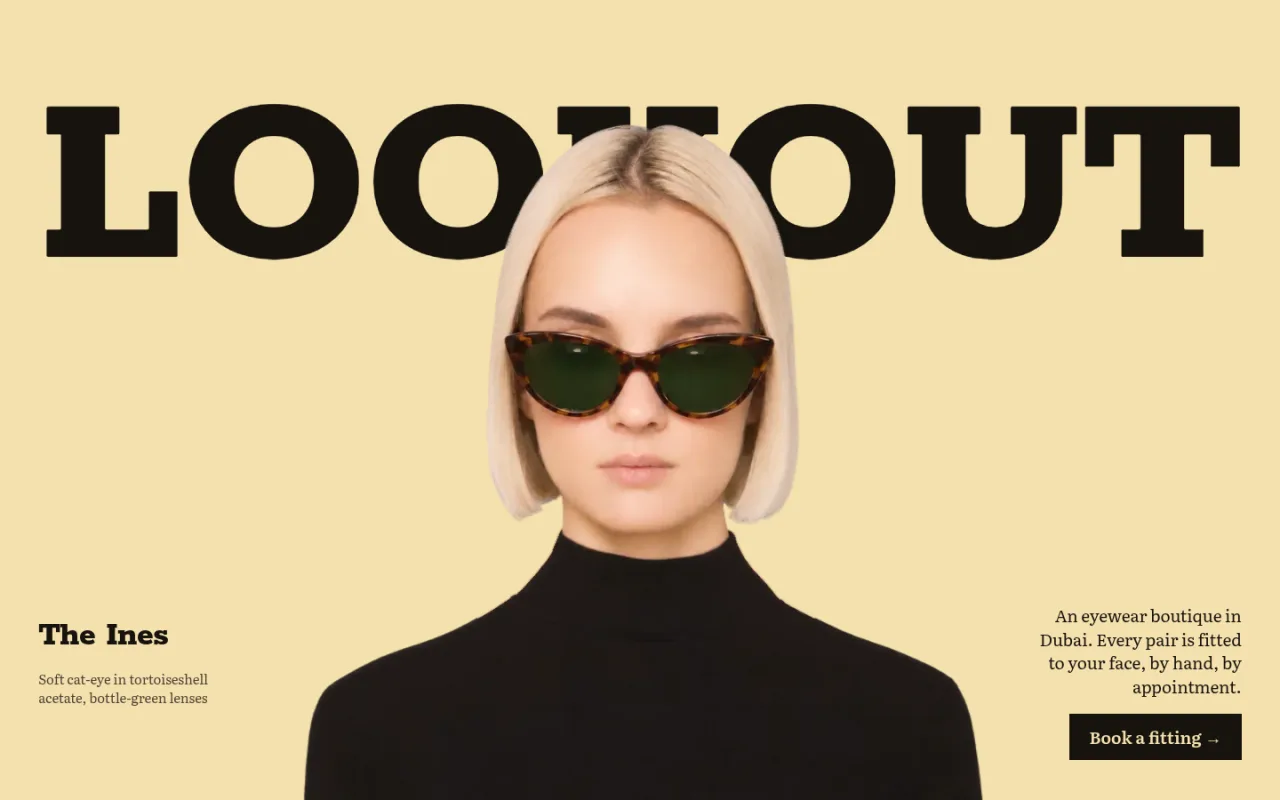
Before
After
Before you start
Shoot on a colour your character isn't wearing. Green usually, blue if they have green on them.
Start the video from one front-on still, and nothing else. Pinned stills change her face.
One long take, the whole route in one prompt, with the timings. Longer means more pictures, and smoother.
Draft at 480p, then finish the same take at 1080p. Don't upscale the draft.
A track, not a grid: three paths that meet at the same two side views.
That's it. If you have no design experience, that's fine: I didn't either. Describe what you want, look at what comes back, and keep going.